
Create a Django Home Page That Actually Looks Like a Website
create a Django home page with navigation and base template By this point in the series, your Django project can respond to a browser request, but if you’ve been following along, your homepage is still just one line of plain text sitting on a blank page. That’s fine for testing a view, but a real homepage needs at least some structure — a heading, some navigation, maybe a bit of color — before it looks like an actual site instead of a debug message.
We haven’t covered Django’s template system yet in this course, so we’re not reaching for that here. Everything in this post still goes through HttpResponse, the same way every view has so far. This is genuinely how a lot of people build their first real page, before templates get introduced as a better way to manage larger amounts of HTML.
Table of Contents
Creating Views And URL For That The Secound Image You Can See How We create URL IN APP level Finanly In Third Image You Can See How we Configure URL Patten in Project Level
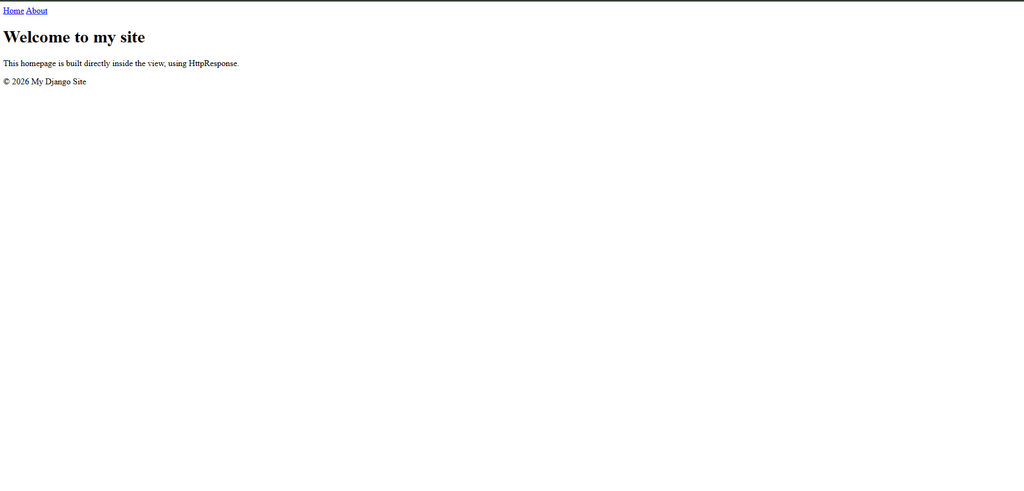
App Level urls.py File
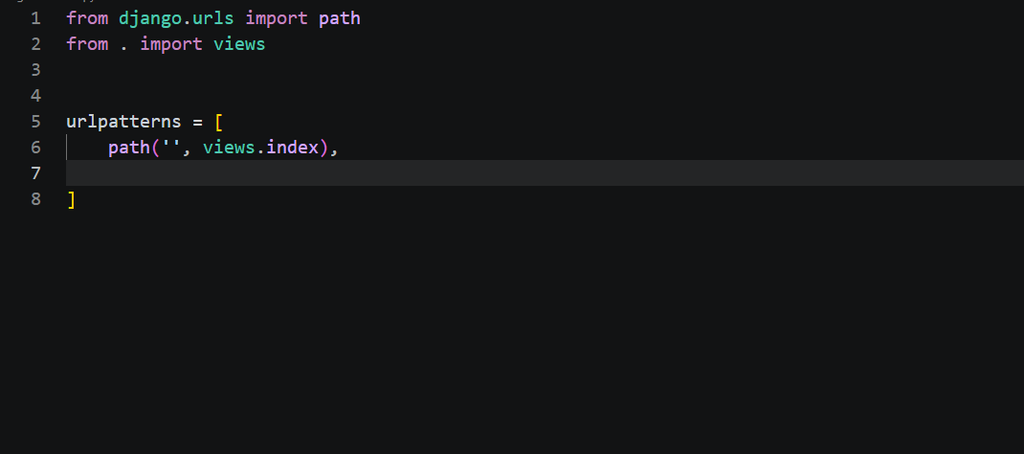
Project Level urls,py File
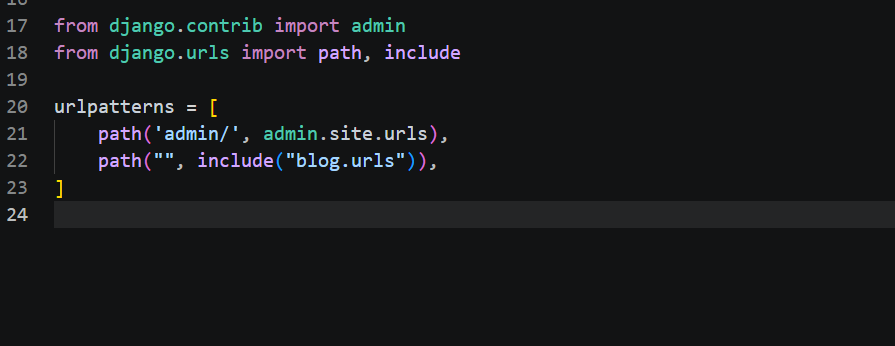
Why HttpResponse Still Works Fine Here
HttpResponse accepts a string, and that string can be full HTML, not just plain text. Nothing stops you from writing an entire page’s markup inside it. It gets messy once a page grows large, which is exactly the problem templates solve later on — but for a single homepage with a handful of sections, it’s a perfectly reasonable way to build something real right now.
Step 1: Write the HTML as a Python String
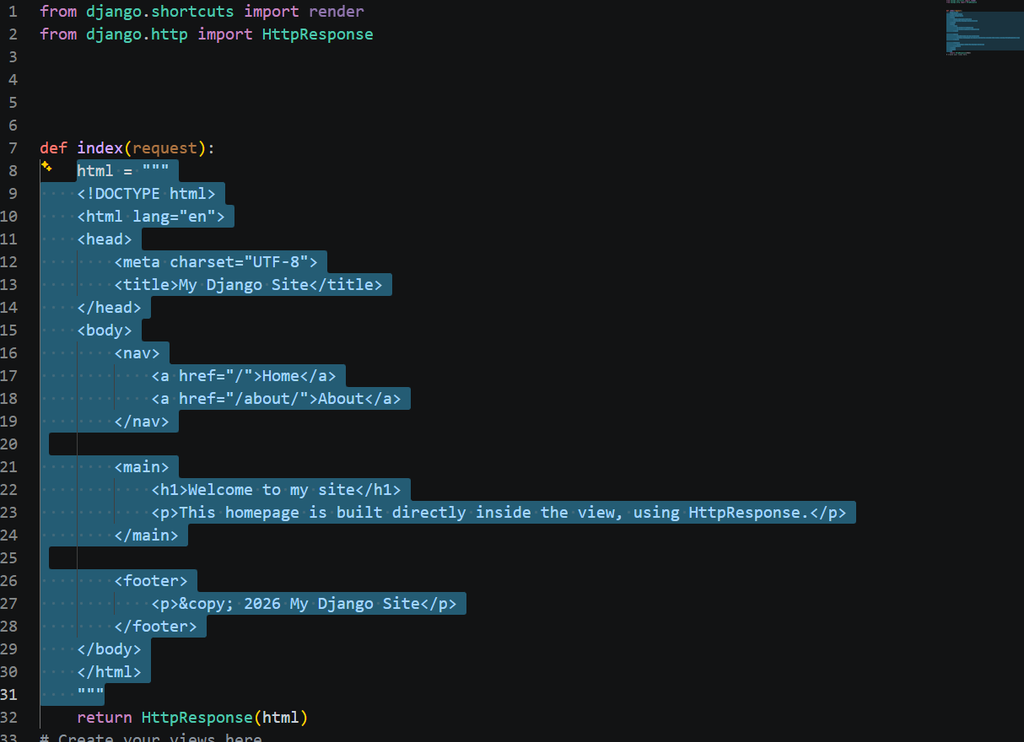
Open views.py and update your home view. Instead of a single sentence, build the full HTML structure inside a triple-quoted string:
python
from django.http import HttpResponse
def home(request):
html = """
<!DOCTYPE html>
<html lang="en">
<head>
<meta charset="UTF-8">
<title>My Django Site</title>
</head>
<body>
<nav>
<a href="/">Home</a>
<a href="/about/">About</a>
</nav>
<main>
<h1>Welcome to my site</h1>
<p>This homepage is built directly inside the view, using HttpResponse.</p>
</main>
<footer>
<p>© 2026 My Django Site</p>
</footer>
</body>
</html>
"""
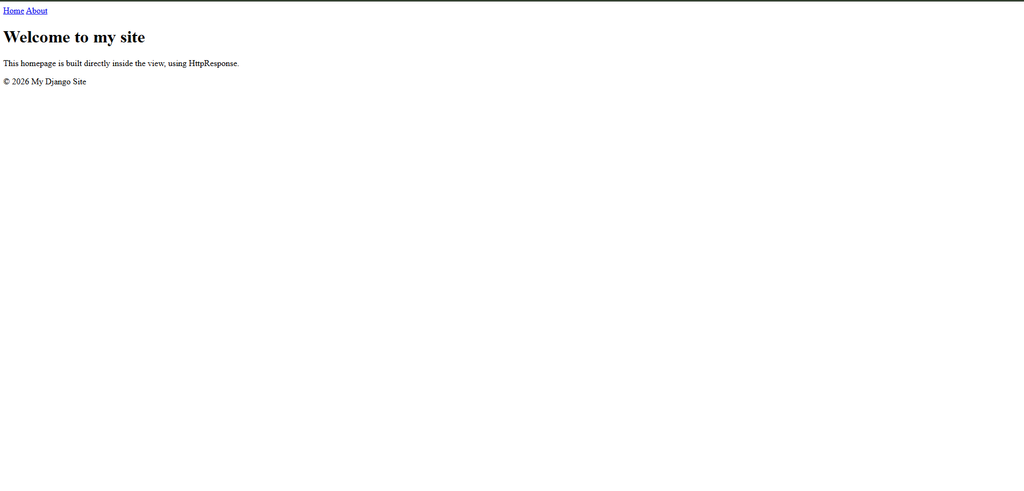
return HttpResponse(html)Refresh your browser and you’ll see a proper page now — a navigation bar, a heading, a footer — all without touching a single template file. The triple quotes let the string span multiple lines, which makes writing full HTML like this manageable.
Step 2: Add Some Styling Without Static Files
Since we’re not using Django’s static file system yet either, the simplest option at this stage is a <style> block written directly inside the HTML string:
python
def home(request):
html = """
<!DOCTYPE html>
<html lang="en">
<head>
<meta charset="UTF-8">
<title>My Django Site</title>
<style>
body {
font-family: sans-serif;
margin: 0;
padding: 0;
}
nav {
background-color: #222;
padding: 1rem;
}
nav a {
color: white;
margin-right: 1rem;
text-decoration: none;
}
</style>
</head>
<body>
<nav>
<a href="/">Home</a>
<a href="/about/">About</a>
</nav>
<main>
<h1>Welcome to my site</h1>
<p>This homepage is built directly inside the view, using HttpResponse.</p>
</main>
<footer>
<p>© 2026 My Django Site</p>
</footer>
</body>
</html>
"""
return HttpResponse(html)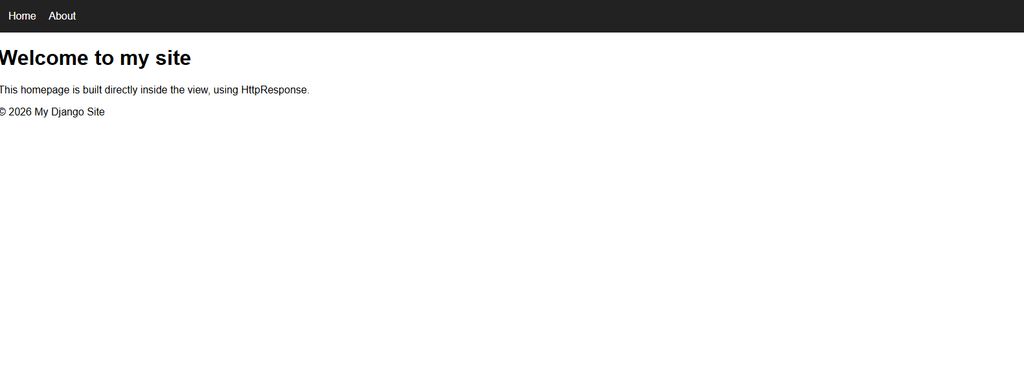
Step 3: Making the Navigation Links Actually Work
Notice the nav links point to plain paths — / and /about/ — written directly as strings rather than using Django’s {% url %} tag, since that belongs to the template system we haven’t covered yet. As long as those paths match what’s defined in your urls.py, they’ll work exactly as expected. If you followed the earlier post on views and URLs, /about/ should already be wired up to an about view.
Where This Approach Starts to Break Down
I want to be upfront about the downside here, because it’s the actual reason templates exist as a feature at all. Every view that returns a full HTML page like this ends up repeating the same <head>, the same navigation bar, the same footer. Add a third or fourth page, and you’re copying that same block of HTML into every single view function. Change one word in your navbar, and you’d have to update it in every view manually.
That’s not a mistake at this stage — it’s just the natural limit of this method, and it’s exactly the problem Django’s template system is built to solve. We’ll get there. For now, this is a completely valid way to build a working homepage while sticking to what the course has actually covered so far.
A Small Practical Tip
Keep the HTML string readable by matching the indentation of your Python code, the way I did above. It’s tempting to squeeze everything onto fewer lines once the string gets long, but readable HTML inside a Python string saves you real time the next time you need to find and fix something inside it.
Where This Connects in the Series
This builds directly on the views and URLs you set up in the earlier tutorial — the about link in the navbar above assumes that view already exists. If anything about routing feels unfamiliar here, that post is worth revisiting first. For more on what HttpResponse can actually accept as a string, the official Django documentation on HttpResponse objects is worth a look.
Your homepage now has real structure and styling behind it, built entirely through the tools you already know. Once you feel the repetition of copying that navbar into every new view, you’ll actually understand why templates exist — which is exactly where this series picks up next.